All trades · September 30, 2026
Best CRM for Contractors in 2026: How to Choose
The best CRM for contractors in 2026, chosen in four steps by trade, team size, published price and must haves, from a company that makes one of them.
Blog · Fencing
The best fencing CRM in 2026, tested with a 10 point checklist: post counts, layouts, 811 and permits, deposits, with Fence Cloud and QuoteIQ prices.
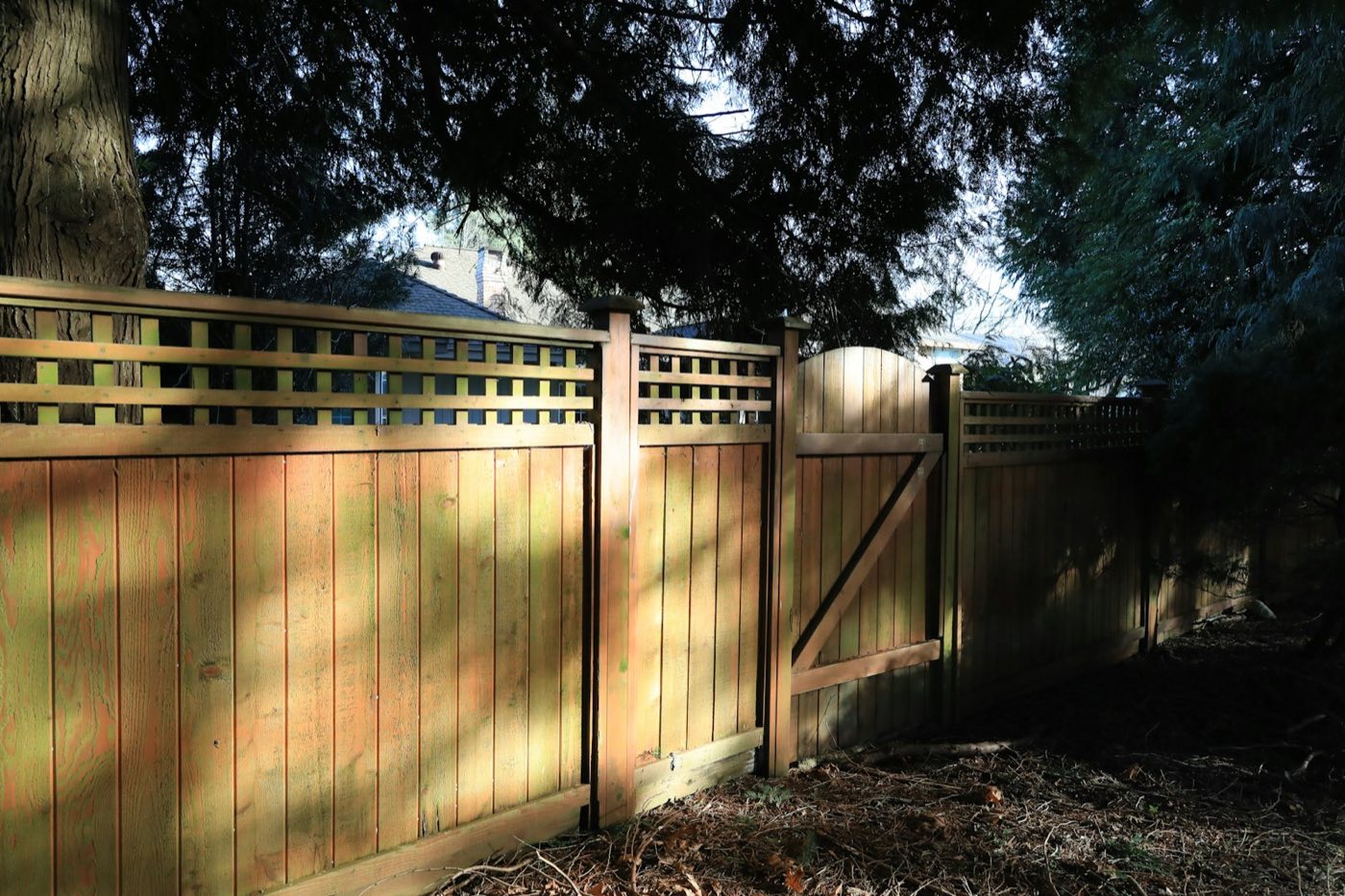
A fence set six inches over the property line costs more than the whole job made. So does a post auger through a buried cable, or a crew that shows up with 22 posts for a run that needs 25. Most of what goes wrong on a fence job is decided before anyone digs, at the bid and in the two weeks after it is signed. That is the part the best fencing CRM has to get right, and it is the part most software lists never test. This checklist gives you ten things to check on a real bid, then the published prices, read today.
Quick answer. The best fencing CRM counts posts, panels, gates and concrete from your footage, keeps the survey, HOA approval, permit and 811 locate on the job, takes a deposit at signing and gives installers a work order. Fence Cloud leads on fence estimating, QuoteIQ on low cost satellite quoting, JobNimbus and Cedar House Stack on running the whole company.
Cedar House publishes this checklist and makes one of the products in it, Cedar House Stack, plus a field app, Cedar House Field. Prices and features for the other companies were read on their own websites on November 17, 2026.
The best fencing CRM turns a measured fence line into a correct material list and a signed, deposited job, then keeps the dig day from going wrong. A fence is sold by the foot, priced by the style, and built from a count of posts, sections, gates, hardware and bags of concrete. Get the count wrong and the crew loses half a day driving to the supply house. Skip the locate or the HOA approval and you may pull the whole fence back out.
So the software has two jobs. The first is estimating, fast enough to quote from the driveway and accurate enough to order from. The second is everything a general field service tool already does: the lead, the follow up, the schedule, the invoice and the payment. Some products are strong at the first job, some at the second. Our guide to the best CRM for contractors covers the second job across every trade. This one is about fences.
Take one fence you bid last month, one you already know the true material count for, and run it through every trial you start. Score each tool on these ten points.
Type the footage, the corners, the ends and the gates once. The tool should count the sections, the posts (line, corner, end and gate posts), the concrete and the gate hardware without a calculator. Check its count against the one you know is right. If you set posts every 8 feet, a 150 foot run with three corners and two gates needs 19 sections and 25 posts, and the tool should get there by itself.
Homeowners compare wood against vinyl, or four foot aluminum against six foot privacy. The quote should show two or three styles on the same footage, each with its own price, and let the homeowner pick one and sign. Retyping the job for each style is where mistakes get in.
A satellite map with each run drawn and each gate marked settles most arguments before they start. JobNimbus says its mobile fence measuring tool draws runs on a satellite map, marks single and double gates with their swing, and exports a labeled PDF. QuoteIQ says its MapMeasure Pro traces fence lines in linear feet on satellite imagery from its Beginner plan up. Fence Cloud lists chain link and wood shop drawings. Measure a few runs you know by tape before you trust any of them on a quote.
The count is only useful if it turns into an order the yard understands. Fence Cloud lists supplier material catalogs on every plan and estimating for chain link, wood, vinyl and ornamental. A general CRM will usually need your own price book set up first, so ask how long that takes and who does it.
Where the fence goes is the homeowner's decision and their responsibility, but you want proof of what they told you. The job should hold the survey or plat, a photo of the pins, the HOA approval letter and a note of who marked the line. If it lives in a text thread on a salesperson's phone, it is not on the job.
Every post hole is digging, and 811 is the free national number that sends your request to your state's one call center so buried lines get marked. Many towns also want a fence permit, especially for pools, corner lots and anything over a set height. Look for a place on the job to record the locate ticket and the permit, with a reminder if either is not done when the install date gets close.
Vinyl, aluminum and custom gates are often special ordered, and that material is yours once it arrives. The signed quote should collect a deposit by card or bank transfer on the spot, with the balance on a schedule. Check that the payment lands against the job, not in a separate app.
A post setting crew needs the address, the drawing, the material list, the locate ticket and a way to clock in and take photos. They rarely need the pipeline. Count how each product charges for the people in the truck, because that is where small fence companies overpay.
Rock in the post holes, a slope that needs stepping, or a gate rebuilt twice will eat a margin. The tool should put the crew's hours and the real material cost next to the price, job by job, so you can see which styles and which neighborhoods pay.
A new fence is the most visible thing on the street for a month. The software should make it easy to knock the neighbors or mail them while the crew is still there, ask for the review when the job closes, and remind you when a wood fence is due for stain or a repair check.
Four of the products here publish a price, one gives it only through sales, and each one counts users differently.
| Software | How it charges | Published price | Built for |
|---|---|---|---|
| Fence Cloud | Plan by user count | Billed monthly: Essential $220 (1 to 3 users), Professional $345 (4 to 10), Ultimate $545 (11 to 16), Enterprise by call. Annual billing saves two months. Every plan has the full feature list | Fence estimating, drawings and supplier catalogs |
| QuoteIQ | Plan by user count | Billed monthly: Essentials $29.99 (1 user), Beginner $99.99 (2), Pro $199.99 (4), Elite $299.99 (10), Max $699.99 (20). Added users $25 a month. Yearly saves two months. 14 day trial | Small crews quoting by the foot from satellite |
| Jobber | Plan and team size | One user, billed monthly: Core $49, Connect $139, Grow $199 ($29, $99, $149 billed annually). Two to five people: Connect $199, Grow $299, Plus $499 monthly ($149, $229, $399 annually). No card for the trial | General home service, repairs and small installs |
| JobNimbus | Plan by user count | Not published. Essentials up to 3 users, Pro up to 10, Premium up to 19, Enterprise 20 and up, each by request. 14 day trial | Exterior contractors, with a fence measuring tool |
| Cedar House Stack and Field | Per person | Stack $99 per user a month up to 5 users, then flat bands from $599. Field $25 per seat. Founding prices, later $129 and $39. Crew time clock accounts are free | Exterior companies that sell door to door |
Sources: Fence Cloud pricing, QuoteIQ pricing, Jobber pricing, the JobNimbus pricing page, and Cedar House pricing, all read November 17, 2026. Card processing and texting cost extra on most of them.
Here is one made up company priced from the table: an owner who sells, one office person who schedules and orders, and two installers who only need the day's work.
| Software | How the four people are counted | Monthly, billed monthly |
|---|---|---|
| QuoteIQ Pro | 4 users included. Assigning jobs to team members starts on Pro, crew scheduling on Max | $199.99 |
| Jobber Connect, 2 to 5 people | 5 users included | $199 ($149 billed annually) |
| Cedar House Stack | 2 Stack users, installers on free crew clock accounts | $198 |
| Fence Cloud Essential | Up to 3 users, so the owner, the office and one installer | $220 |
| Fence Cloud Professional | All four people with a login | $345 |
| JobNimbus | Essentials covers 3 users, Pro covers 10 | By quote |
Worked out from the pricing pages listed above, read November 17, 2026. Cedar House shows founding prices. Add $25 a month for each installer who takes a Field seat to knock doors.
At this size the general tools land within a dollar or two of each other, so the monthly bill will not decide it. Fence Cloud costs a little more, and the extra pays for itself only if its estimating saves your office real hours. Our roofing CRM cost breakdown shows the same pattern at larger crew sizes.
No single product wins all ten points. Here is where each one is strongest, from what each company says on its own site.
Fence Cloud is the estimating specialist. Every plan lists chain link, wood, vinyl and ornamental estimating, multi style estimating, supplier material catalogs, shop drawings, chain link gate cut sheets, e signature, invoices and text and email appointment reminders. It scores best on points 1, 2, 3 and 4. It is not built around door knocking or a sales team in the field, and it charges by user bands from the first login.
QuoteIQ is the low cost start. Satellite fence tracing begins on its $99.99 Beginner plan, deposits and partial payments are on every plan, and its fence page tells contractors to build the 811 call into the gap between signing and install. A four person crew on Pro still waits for Max for crew scheduling.
JobNimbus is a full CRM with a fence drawing tool: runs on a satellite map, gates with swing direction, height and post spacing set for section and post counts, and a branded PDF. It suits a company that also does roofs or siding. Its price is only given through sales.
Jobber is a general home service tool and the simplest of the five for a repair heavy or small install business. Quotes, scheduling, invoicing and online payments start on Core, and job costing and two way texting start on Grow. Its pricing page lists no fence drawing or post count tool, so plan on building your own price book.
Cedar House Stack is a CRM for exterior and home service contractors, and fencing is one of the trades it is set up for. Here is what it does for a fence company today, and what it does not.
If those gaps sit in the middle of how you sell, the exterior trades page shows what the Stack is built around, and the honest answer may be a fence estimating tool first.
Some fence companies are better served elsewhere, and saying so is the point of a checklist.
Pick a fence you already built and know the true numbers for. In each trial, enter the same footage, corners and gates, quote two styles, attach a survey and a locate ticket, take a deposit with a test card, and send the installer a work order. Then compare the post count, the material list and the time it took. The tool that gets the count right with the fewest clicks is the one to buy. If you are leaving another system to do it, our guide to switching CRMs covers what to bring with you and when to move.
On November 17, 2026, published prices ran from $29.99 a month for one user on QuoteIQ Essentials, or $29 a month on Jobber Core billed annually, up to $220 a month for one to three users on Fence Cloud Essential. A four person crew lands near $200 a month on QuoteIQ Pro, Jobber Connect or two Cedar House Stack seats. JobNimbus gives its prices through sales.
Several can. QuoteIQ says MapMeasure Pro traces fence lines in linear feet on satellite imagery from its Beginner plan, and JobNimbus says its mobile tool draws runs and gates on a satellite map. Trees, slopes and old fences hide property lines from above, so check a few runs by tape before you order material from a satellite number alone.
Whoever digs the post holes should make sure a locate request is in and the lines are marked before digging starts. 811 sends the request to the state's one call center, and each state sets its own waiting period. Most fence companies make the call themselves after the contract is signed and keep the ticket number on the job.
Most do, especially for vinyl, aluminum and custom gates that are special ordered and cannot go back. A deposit collected at signing covers the material and confirms the homeowner is serious. Check your state's home improvement rules, since some states cap how much a contractor can take up front.
Usually not. A post setting crew needs the address, the drawing, the material list, the locate ticket, photos and a time clock. Several tools charge less for field users or give crew members a free clock in account, so count only the people who sell, schedule or bill when you compare prices.
Cedar House Stack publishes this blog and makes one of the products written about here. Where another company's price or feature is quoted, it was read from that company's own public pages on the date shown beside it.
Keep reading
All trades · September 30, 2026
The best CRM for contractors in 2026, chosen in four steps by trade, team size, published price and must haves, from a company that makes one of them.
Roofing · October 16, 2026
Roofing CRM cost in 2026 for a 3, 10 and 20 person team, from published prices for Roofr, RoofLink Pro and Cedar House, plus reports, texting and setup.
All trades · October 20, 2026
Switching CRM software as a contractor: a five week move plan, what to export, and the contract and trial terms Jobber, JobNimbus and others publish.